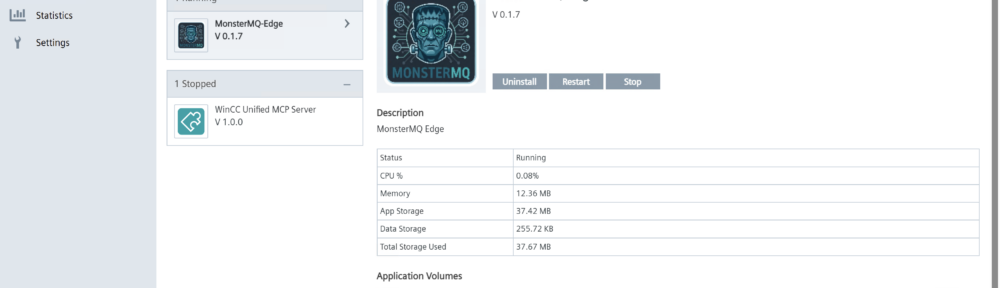
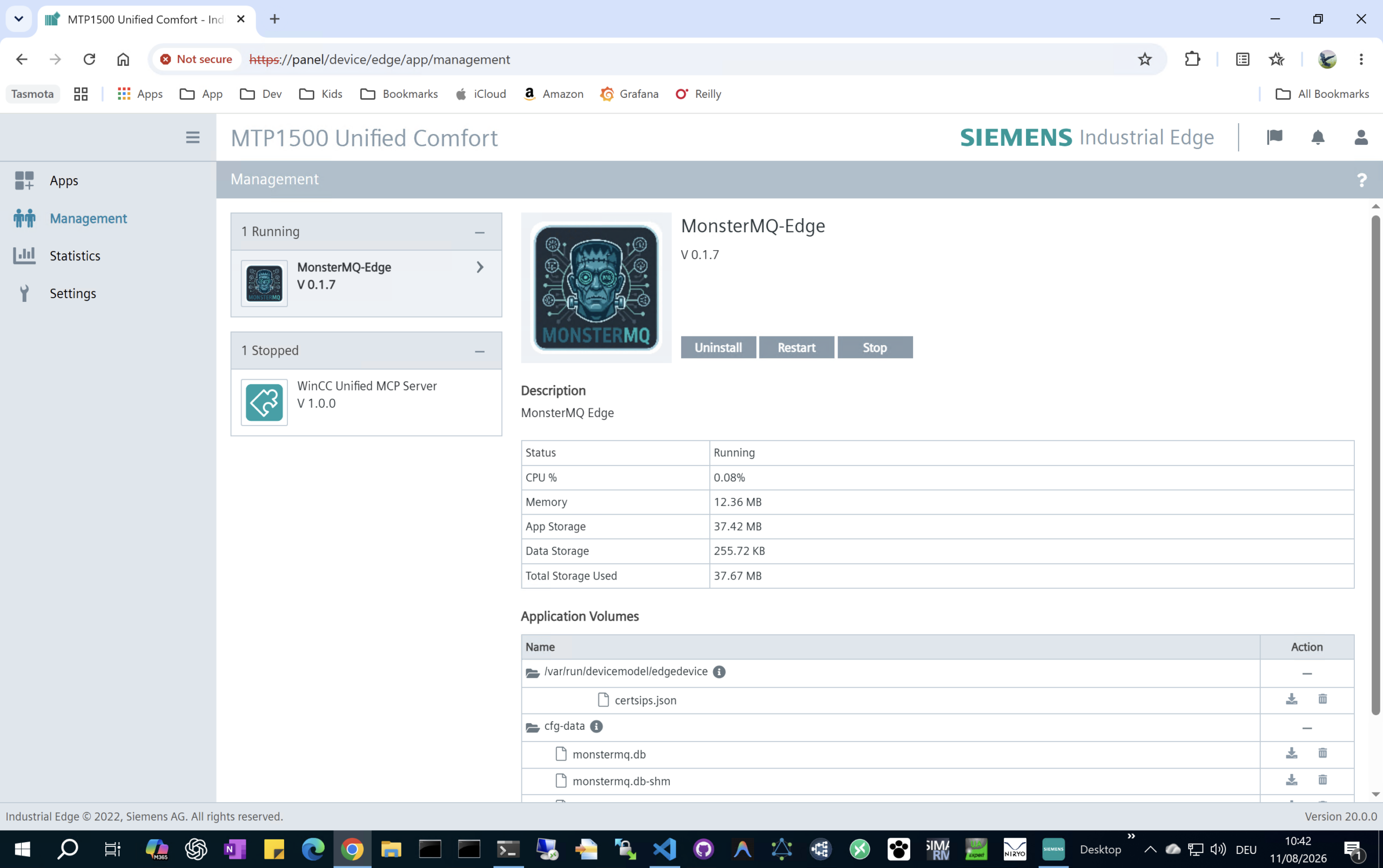
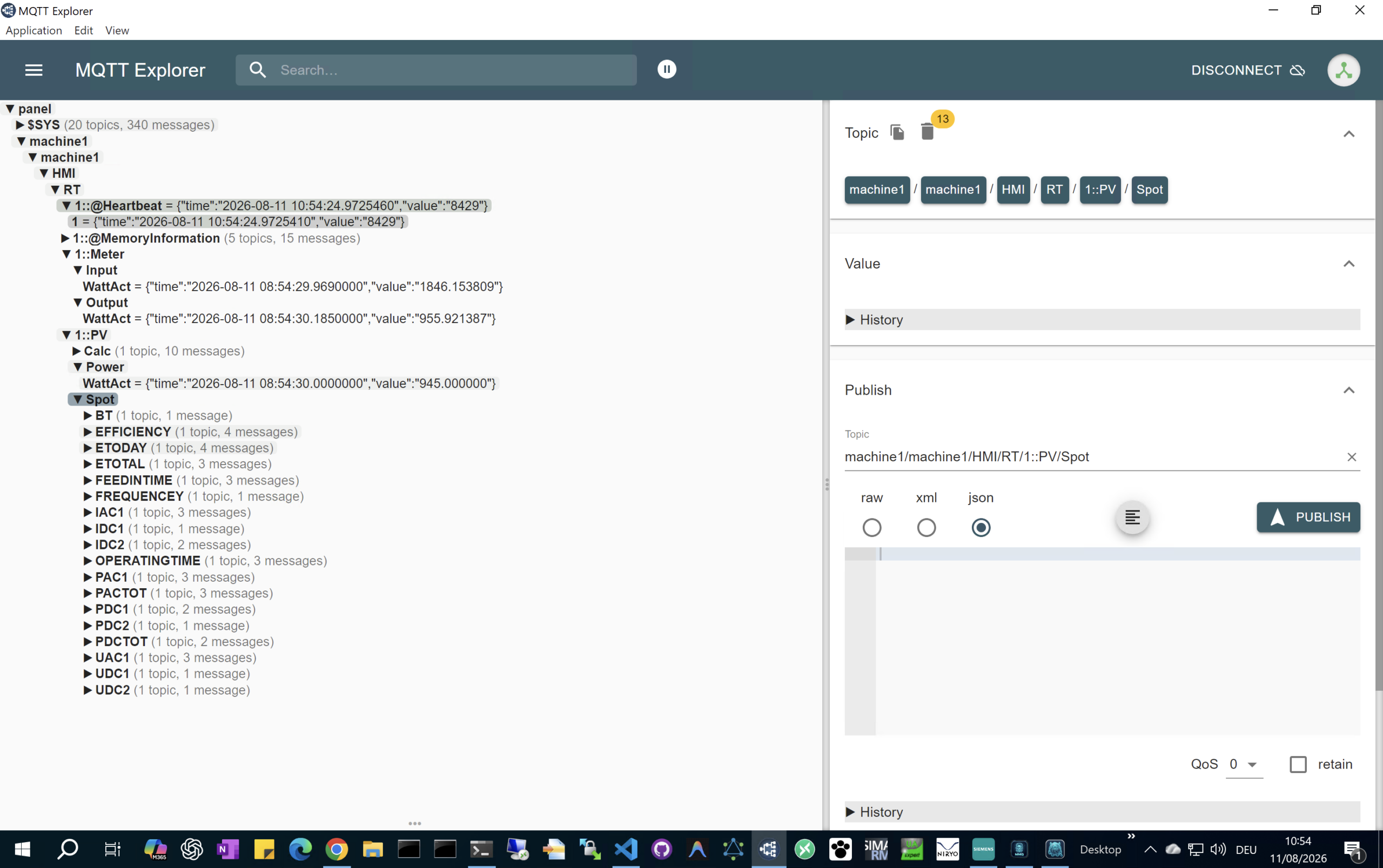
Vacation day 🏝️ I have published the MonsterMQ Edge MQTT Broker as an Industrial Edge app, bringing a lightweight, single-binary MQTT broker directly to your SIMATIC WinCC Unified Comfort Panels with a data connection to the runtime data.
### ⚡ Quick 4-Step Setup:
1. Download: Grab MonsterMQ-Edge.tar from MonsterMQ-Edge GitHub Releases https://github.com/vogler75/monster-mq-edge/releases
2. Rename: Change the file extension from .tar to .app (MonsterMQ-Edge.app).
3. Upload & Start: Upload the .app file directly to your panel (with Industrial Edge enabled) and launch it.
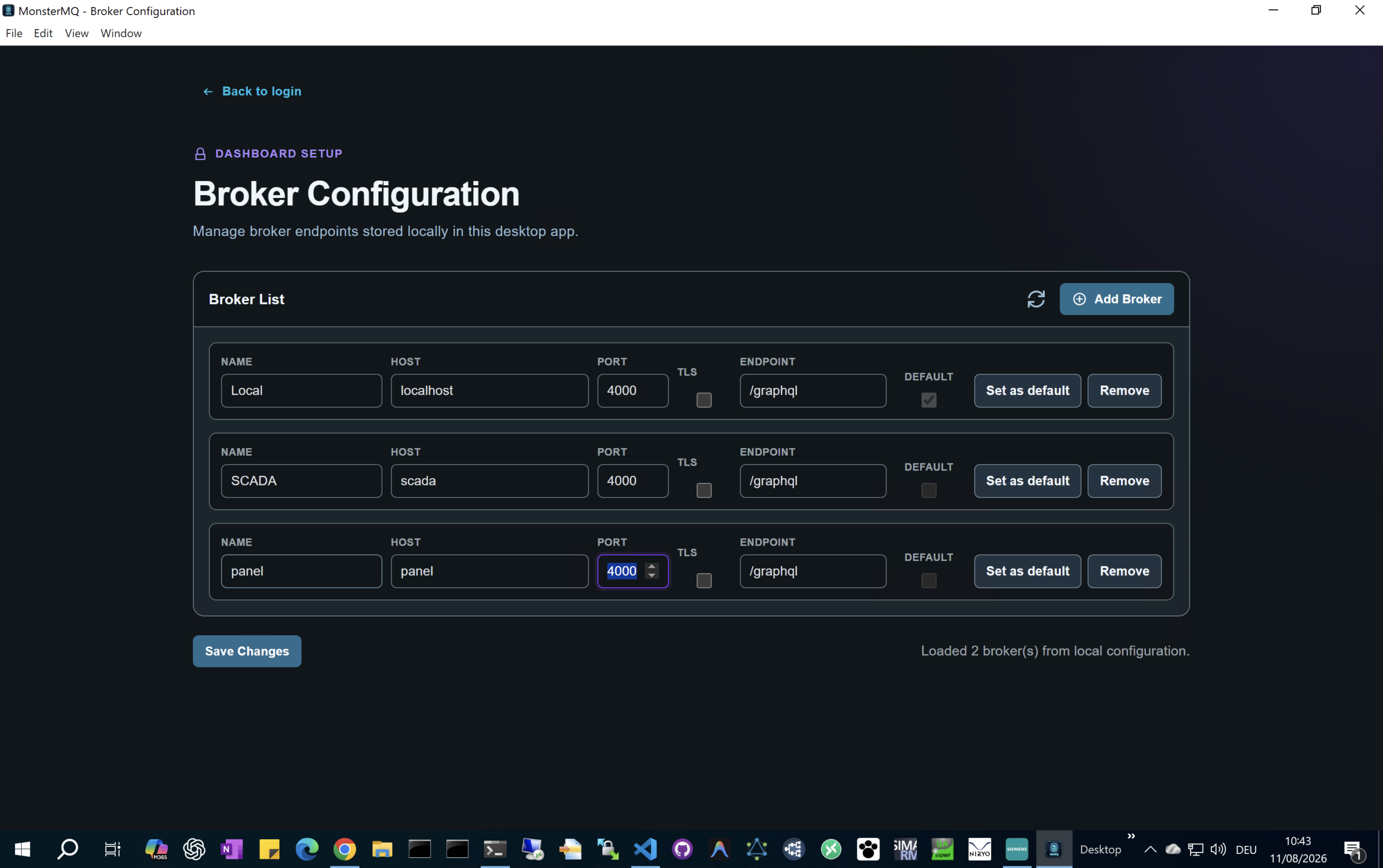
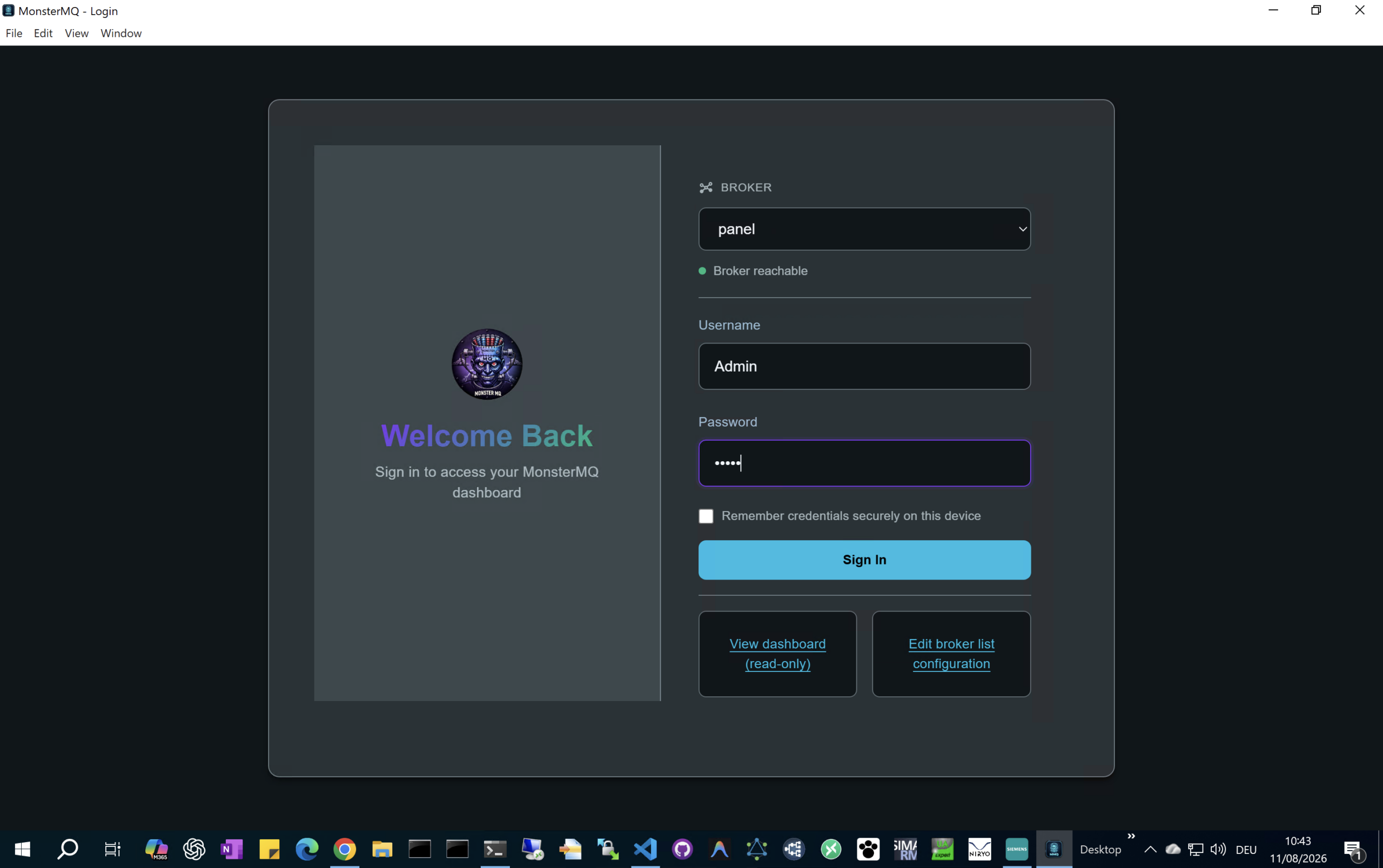
4. Configure: Connect and manage the broker using the MonsterMQ Dashboard app, available under releases at MonsterMQ GitHub https://github.com/vogler75/monster-mq/releases
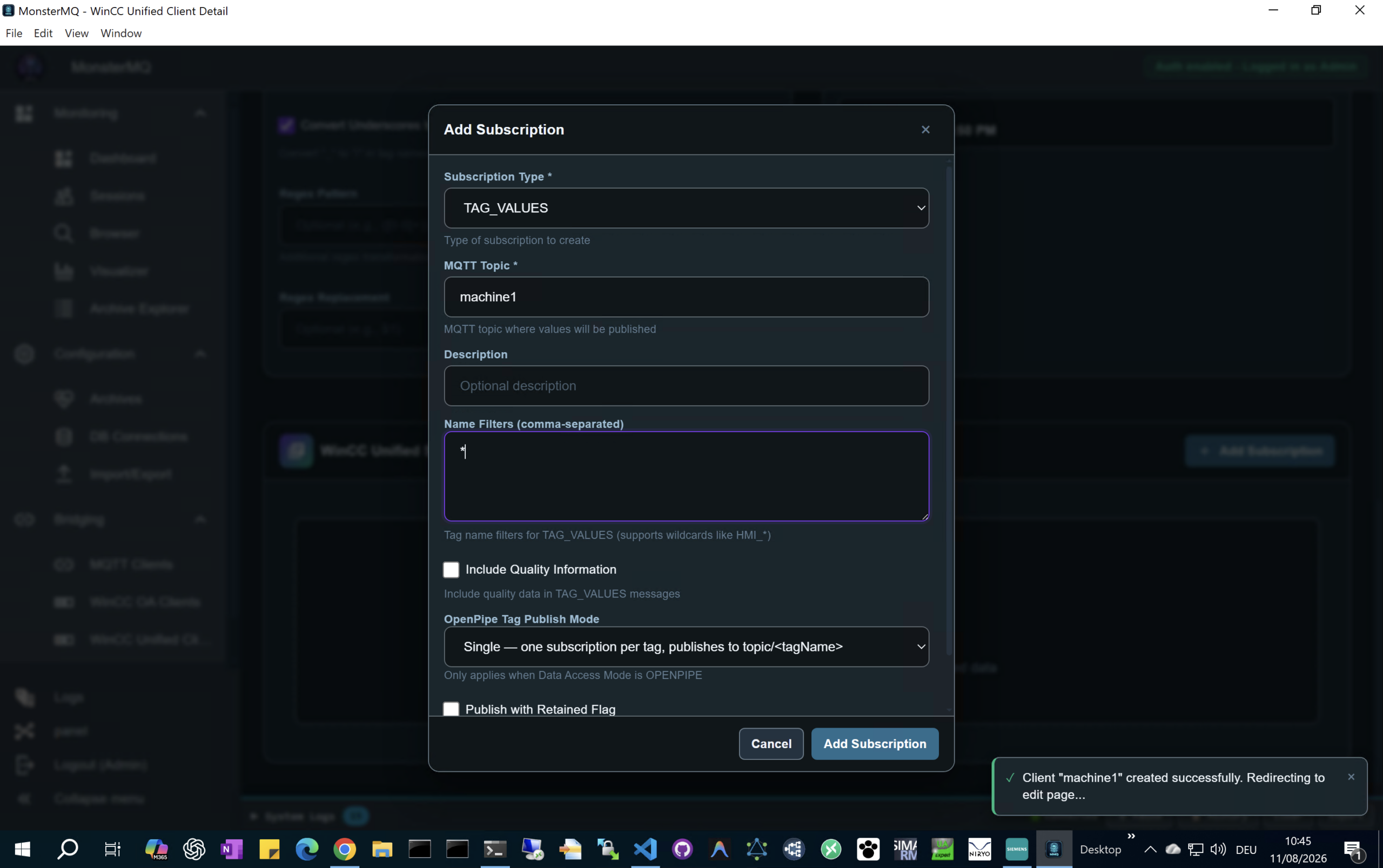
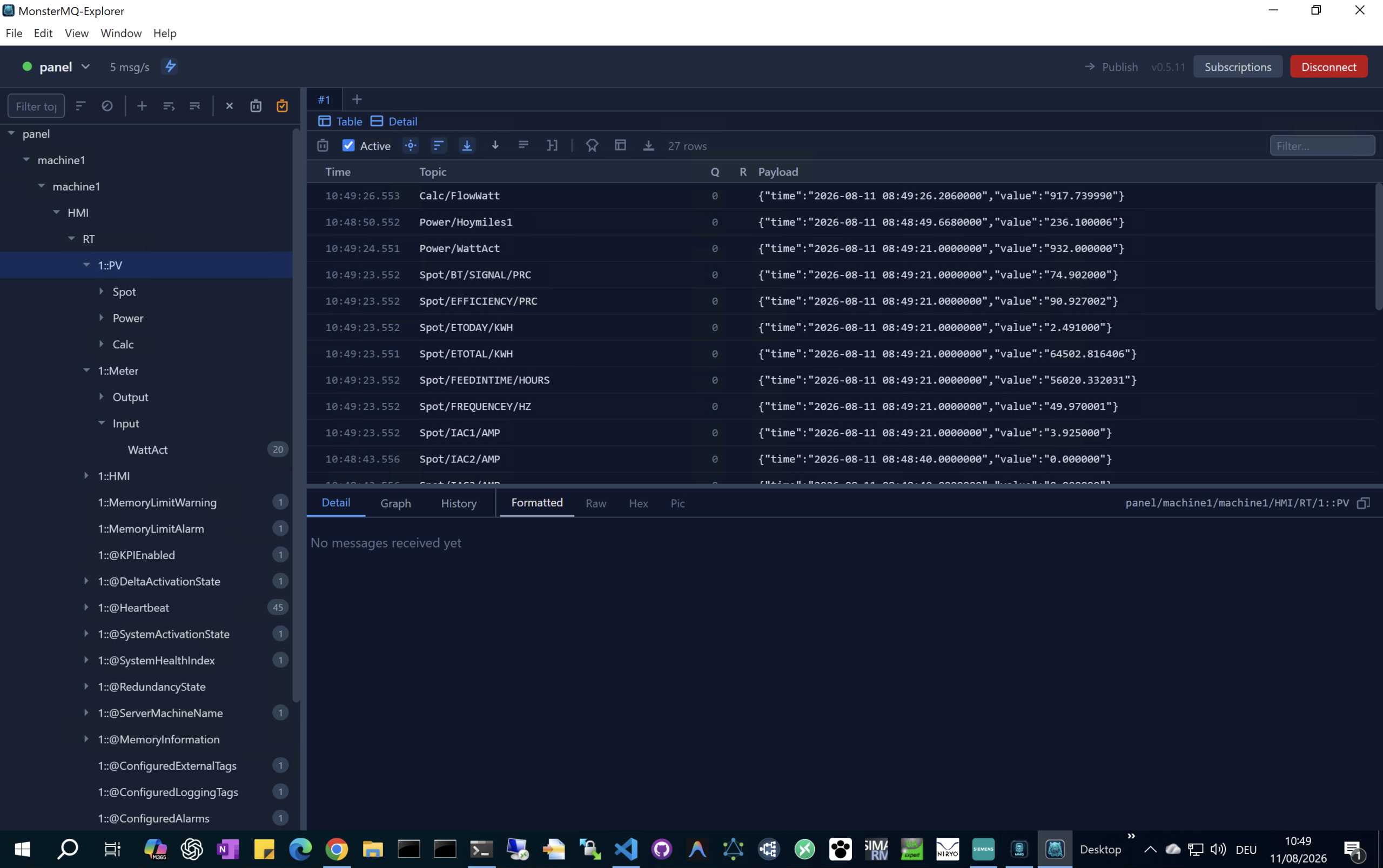
See how you can configure the HMI Tags to be exposed via MQTT
👉 https://youtu.be/C9KdrntWjec
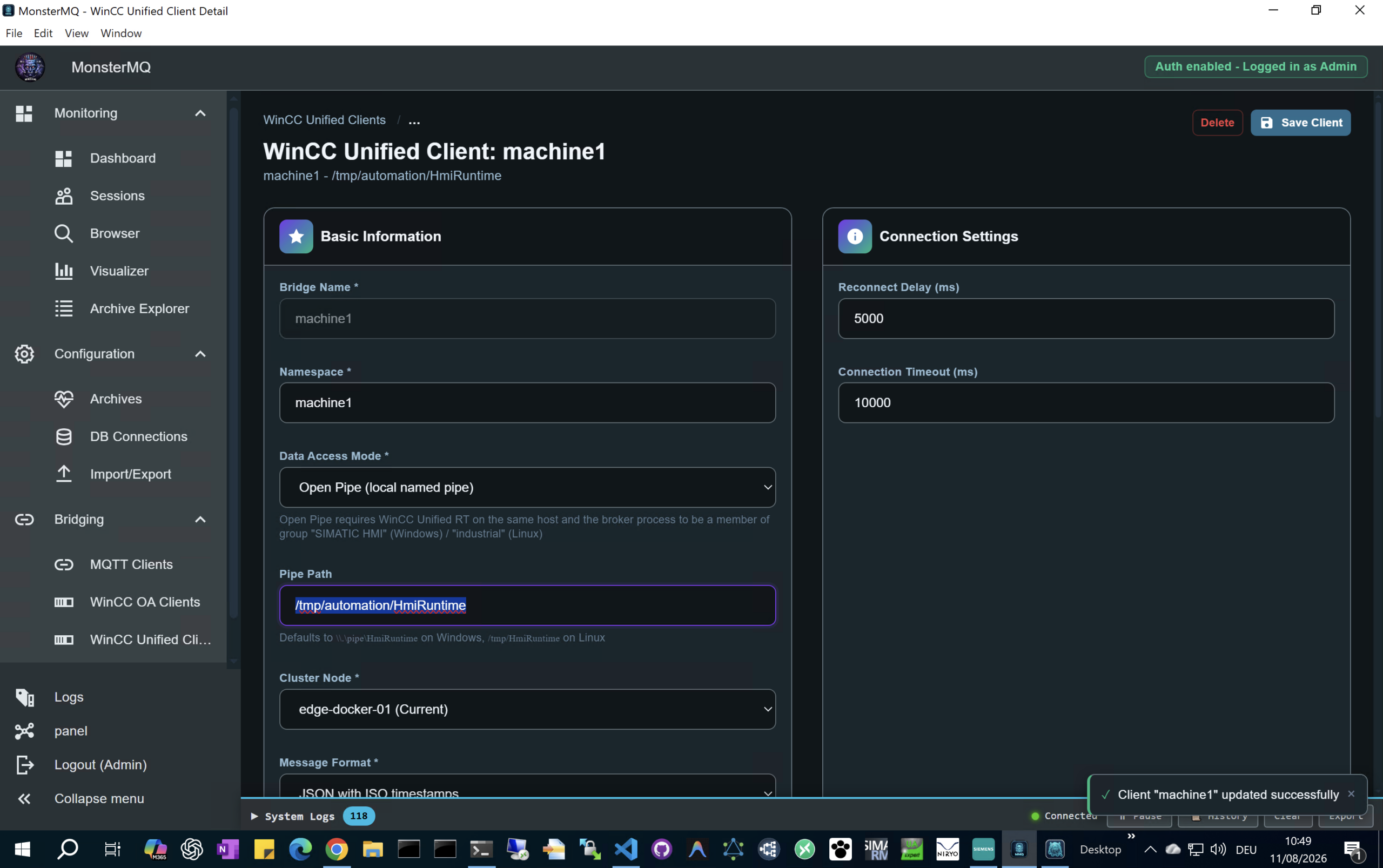
⚠️ Use “/tmp/automation/HmiRuntime” as the Pipe Path!
#Siemens #WinCCUnified #IndustrialEdge #MQTT #MonsterMQ #IIoT #IndustrialAutomation #EdgeComputing
Pingback: Is Your Machine Data Locked? Unlock it with WinCC Unified and MonsterMQ Edge | RocWorks