Für die, die es schon immer wissen wollten: Ich hatte es nicht im Netz gefunden, daher habe ich die Temperaturen beim Resch&Frisch Ofen selber gemessen. Hier sind die Programme und die dazugehörigen Gradzahlen:

Programm	Temperatur
Programm 1	125° / 130°
Programm 2	190°
Programm 3	180°
Programm 4	170°
Programm 6	160°
Programm 7	160°
Programm 12	240°
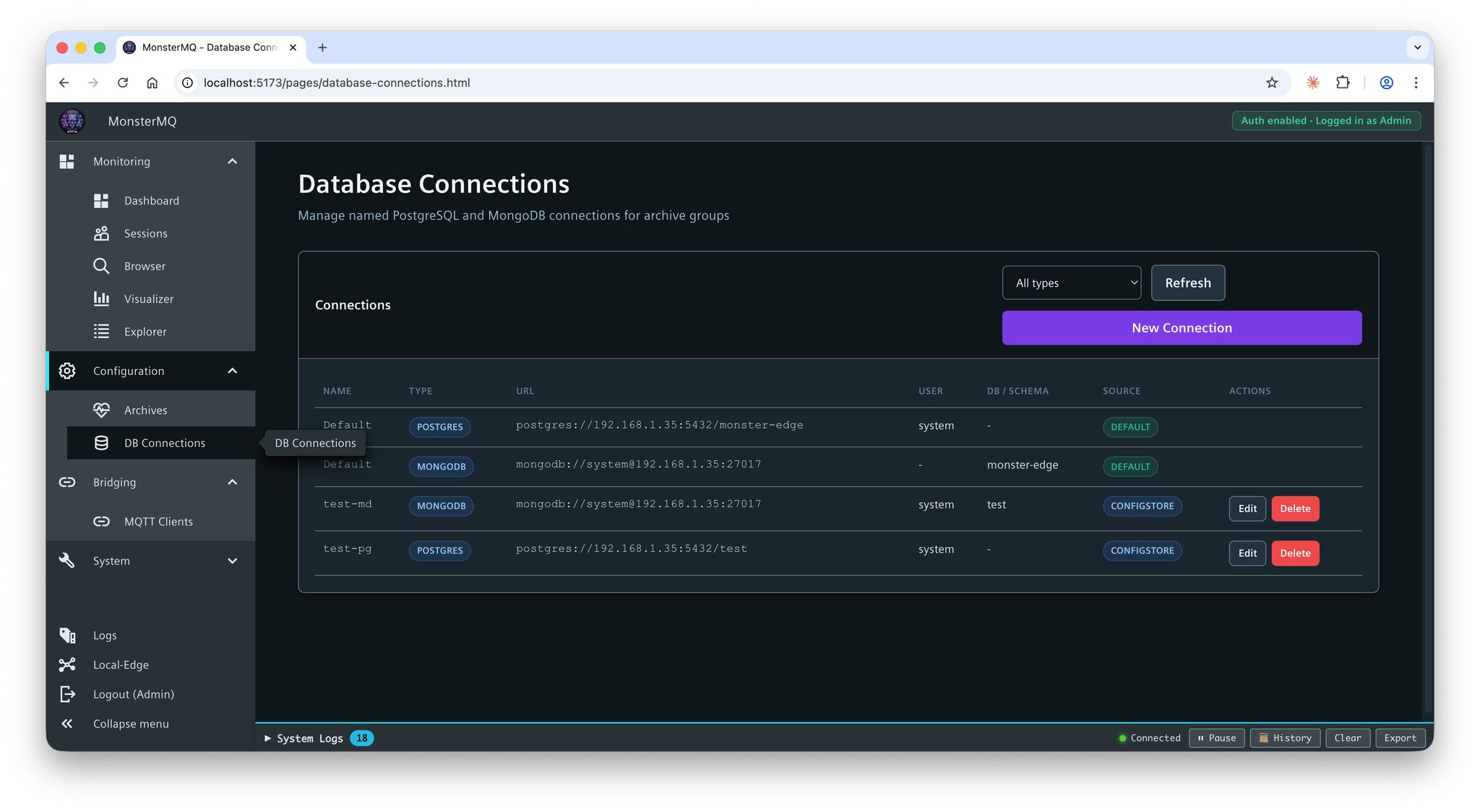
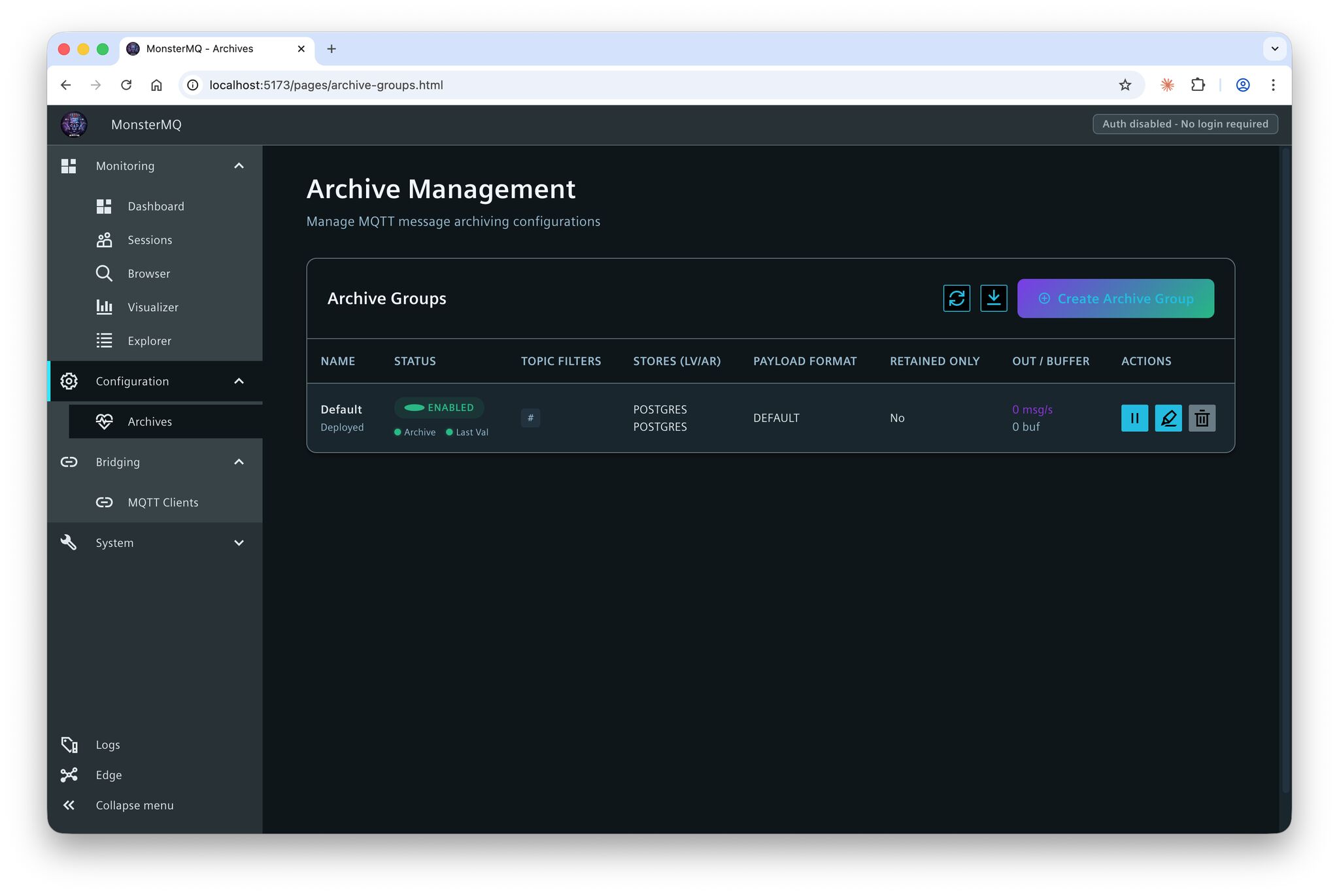
Database connections for archives can now be configured at runtime directly in the dashboard – no restart needed.
👉 This is especially important for MonsterMQ-Edge running on a Unified Comfort Panel – you can now configure archiving online, without touching the panel (MMQ config file).
The result: your data from WinCC Unified Panels can be easily archived centrally to PostgreSQL or MongoDB, configured and managed remotely.
Or forward the data to a central full MonsterMQ instances to collect the data from all your panels.
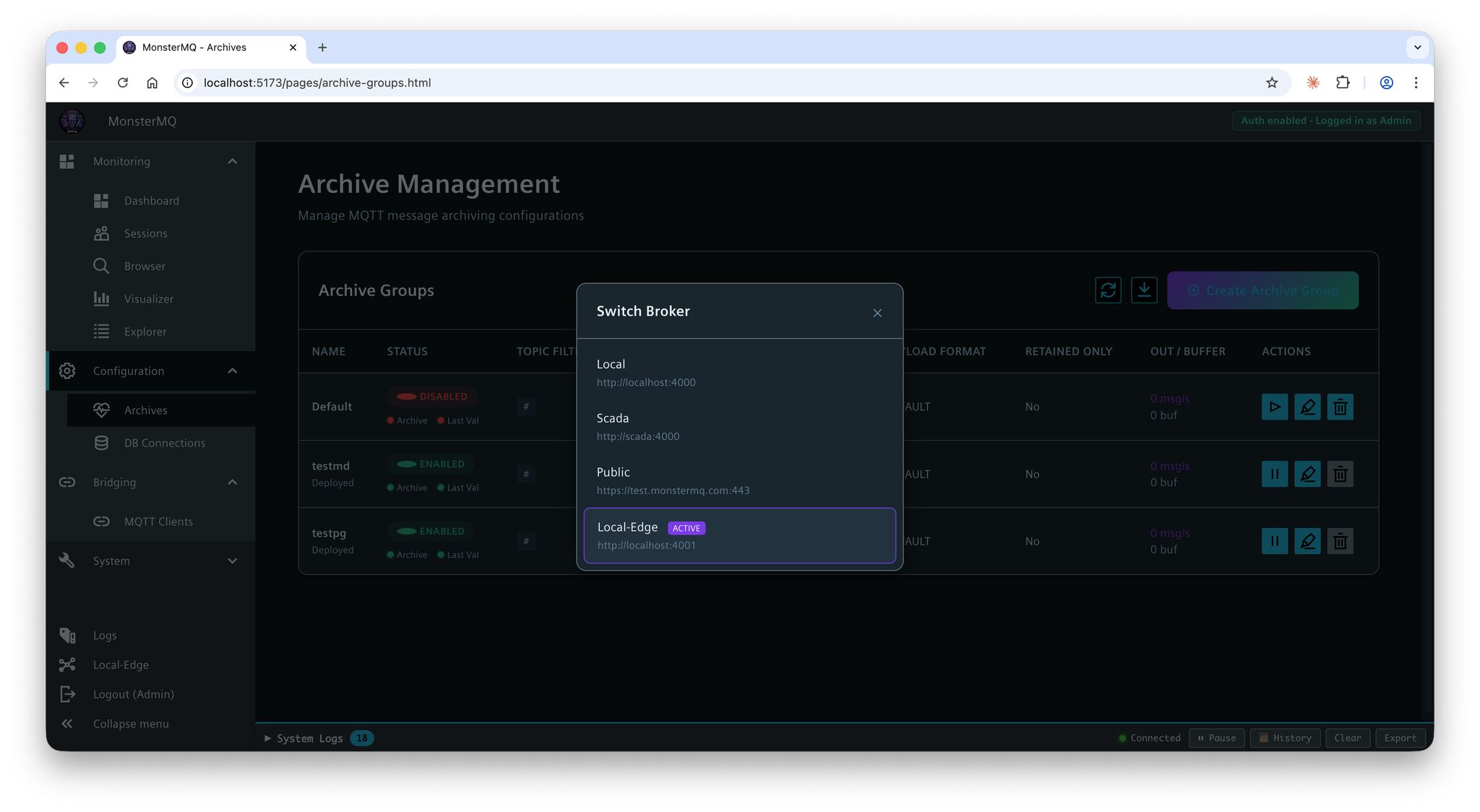
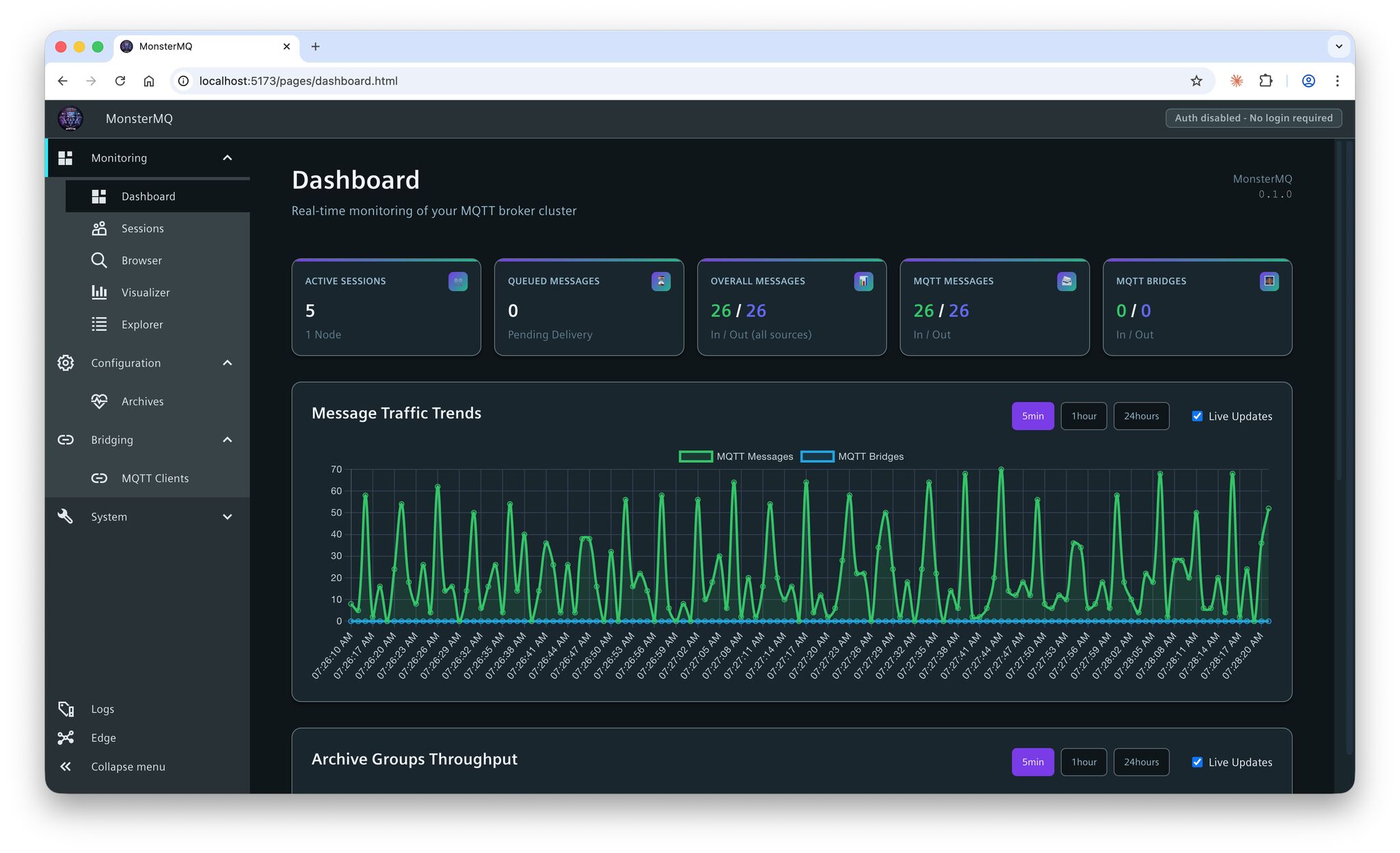
And here’s the bigger picture: MonsterMQ and MonsterMQ-Edge share the same dashboard, same GraphQL interface. One central place to manage both – from the full broker down to the tiny monster running on your panel. 😅
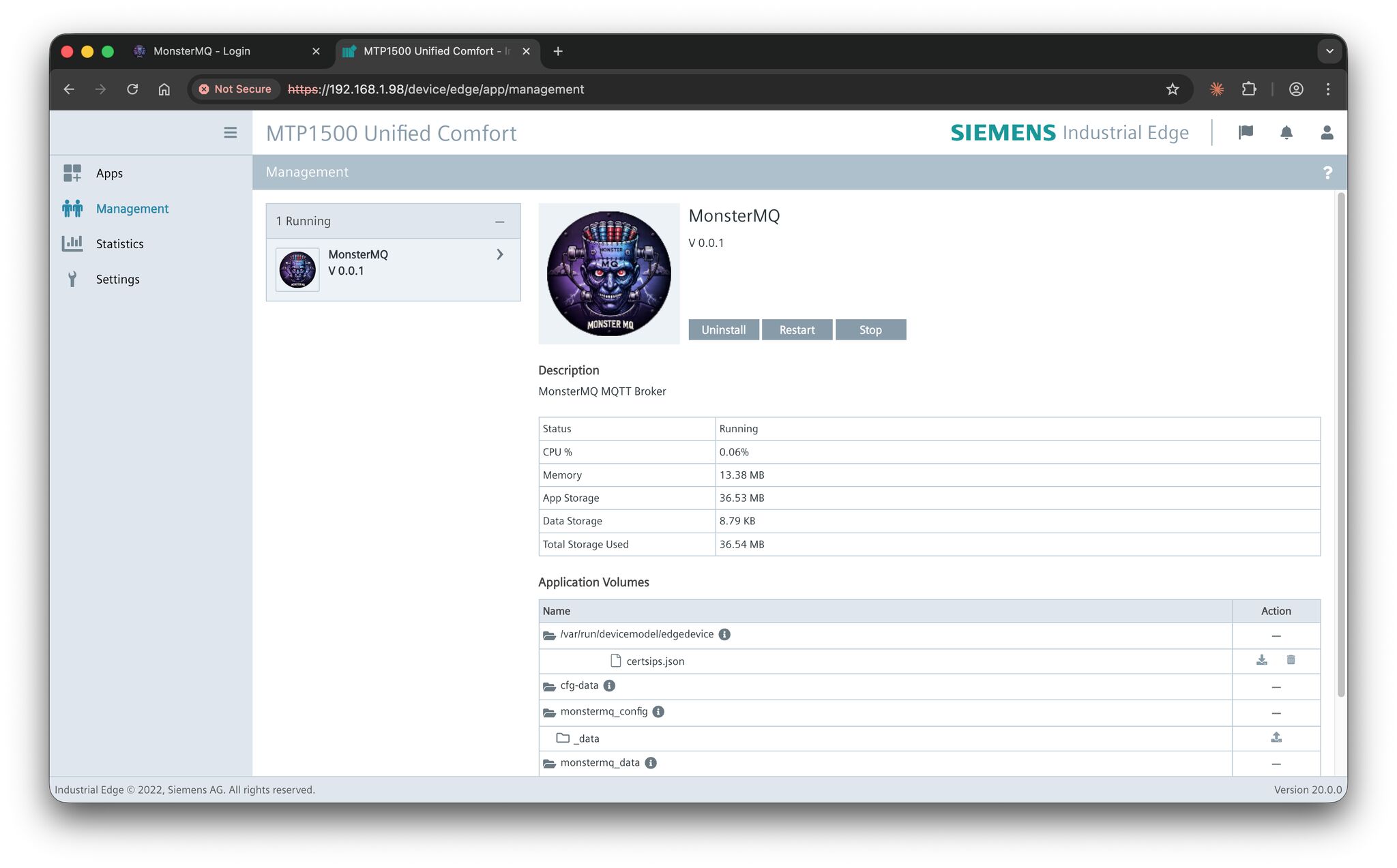
Let me know if you want it as an Edge App, which can be deployed on the Panel. But remember: you need an Edge License to run Edge on the Panel.
MonsterMQ-Edge still has limited functionality compared to the full broker – but it’s growing.
Built in Go, based on another open-source project (Mochi MQTT), implemented to expose the same GraphQL interface as the full MonsterMQ broker and having the same storage backend (SQLite, Postgres, MongoDB).
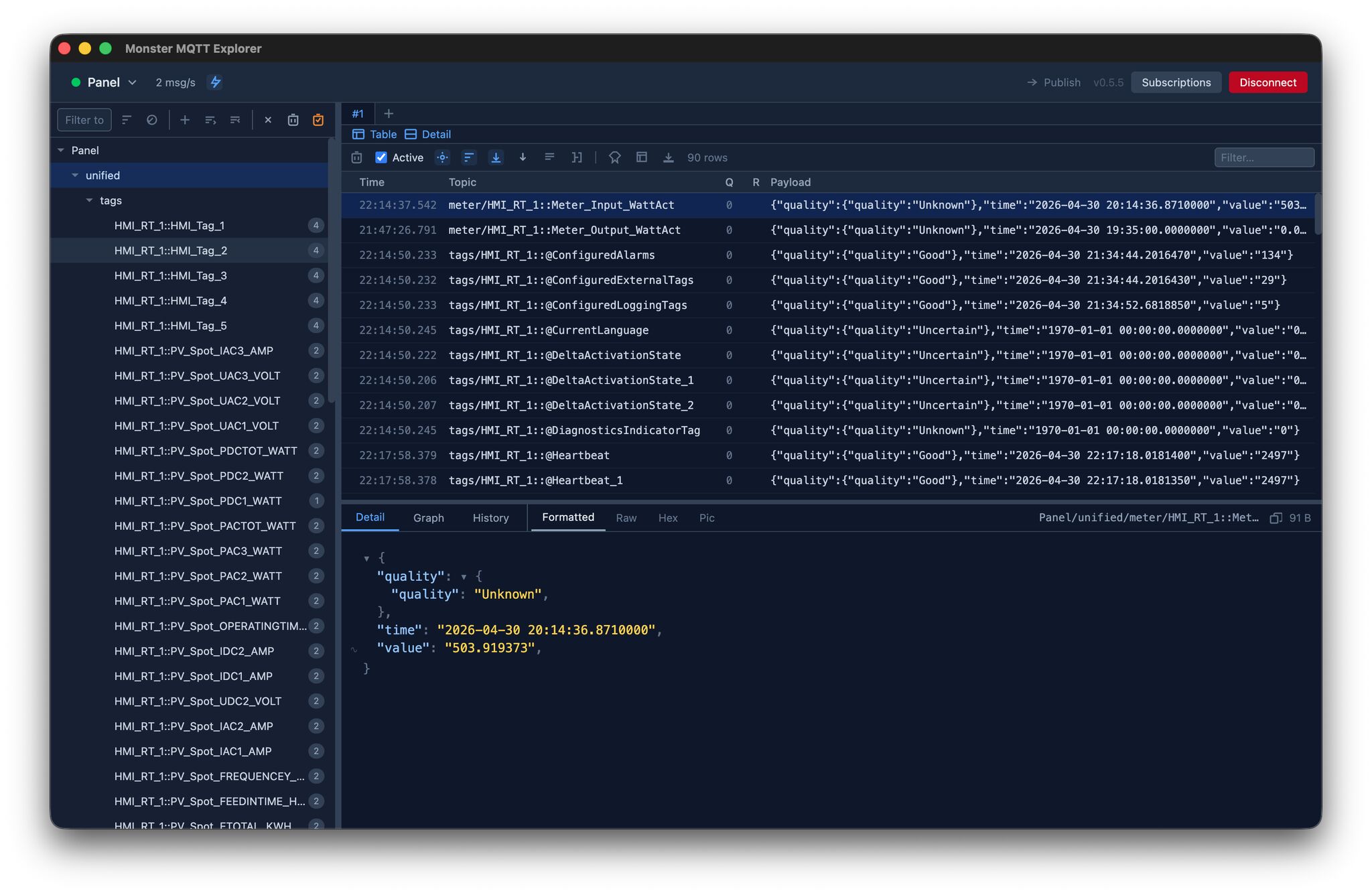
What does that mean in practice? You can run a lightweight MonsterMQ instance at the edge and monitor and configure it from the same MonsterMQ dashboard and having the data in the same storage format. No separate tooling needed.
Current state:
👉 Single binary 25M
👉 In memory last value storage
👉 Archiver for SQLite, PostgreSQL and MongoDB.
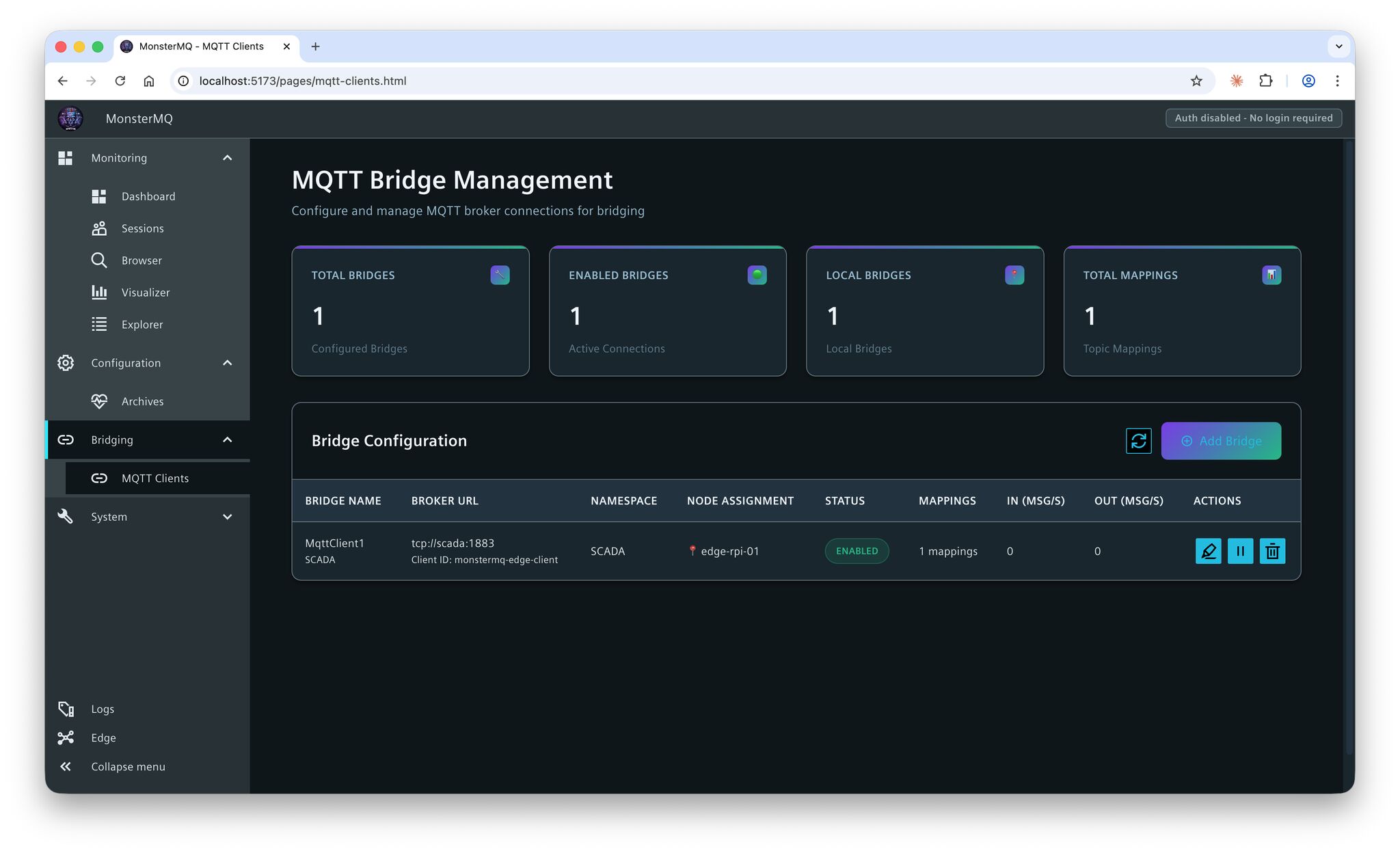
👉 MQTT Bridge available to pub/sub from/to other brokers.
👉 Backend storage options: SQLite, Postgres or MongoDB
👉 Same GraphQL interface – compatible with the existing dashboard
Very early stage, and just an experiment for now. What do you think about it?
MonsterMQ can run AI Agents – triggered by MQTT topics or on a schedule, with direct access to broker data in the context, and support for MCP Servers (including the internal one).
The agent can publish data to other topics – and that can trigger the next little agent. 🔄
Is this a good idea? Honestly, I don’t know yet – this is purely for learning right now.
The broker now has a NATS bridge integrated – you can receive messages from NATS and also publish to NATS.
For example, with simple wildcard subscriptions you can bring your topics straight into NATS – no extra glue code needed!
A big thanks to Kevin Joosten for this contribution!
‼️ And I added that MMQ can act as a NATS Server (NATS core 1.0). So, now NATS clients can connect to MonsterMQ and pub/sub to topics. NATS protocol is super simple.
This opens up some new integration scenarios where MQTT and NATS need to coexist in the same architecture.
Star it if you like it – and drop me a message if you’re using MonsterMQ in your setup!
What’s happening under the hood: 👉 MQTT topics are stored in memory 👉 Historical values are persisted in MongoDB Those features have been available in MonsterMQ for a long time…
The i3x interface just exposes all of that data via the i3x protocol!
💡 This means you get a full MQTT broker with structured, queryable data access via i3x – all in one place.
Someone asked me if it’s possible to send WhatsApp messages from WinCC Unified 💬
Yes, and it’s simple! A small Python helper connects to the GraphQL server of WinCC Unified, subscribes to a tag to get the message text, and forwards it to WhatsApp via Twilio. That’s it. And for sure, the same can be done with WinCC Open Architecture.