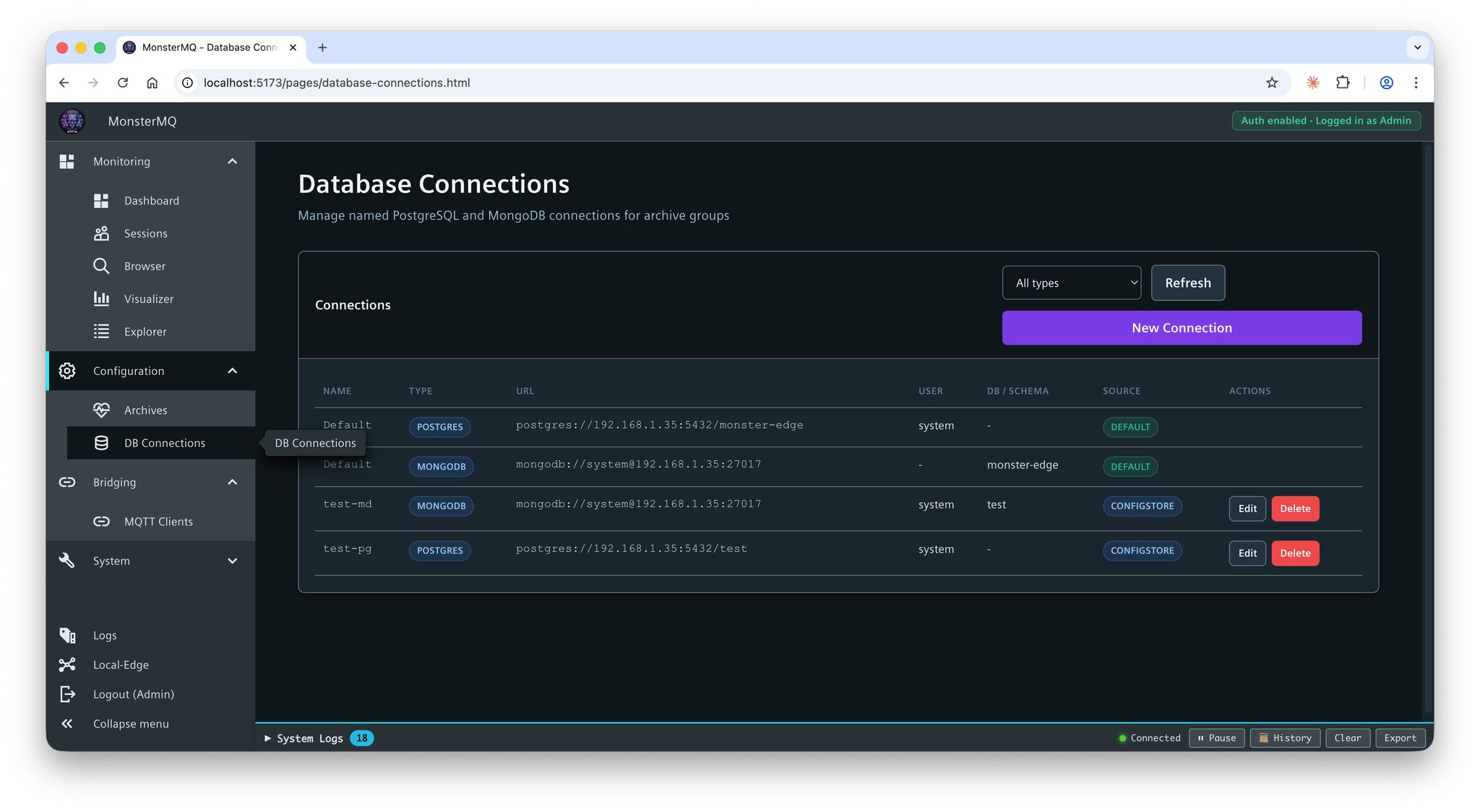
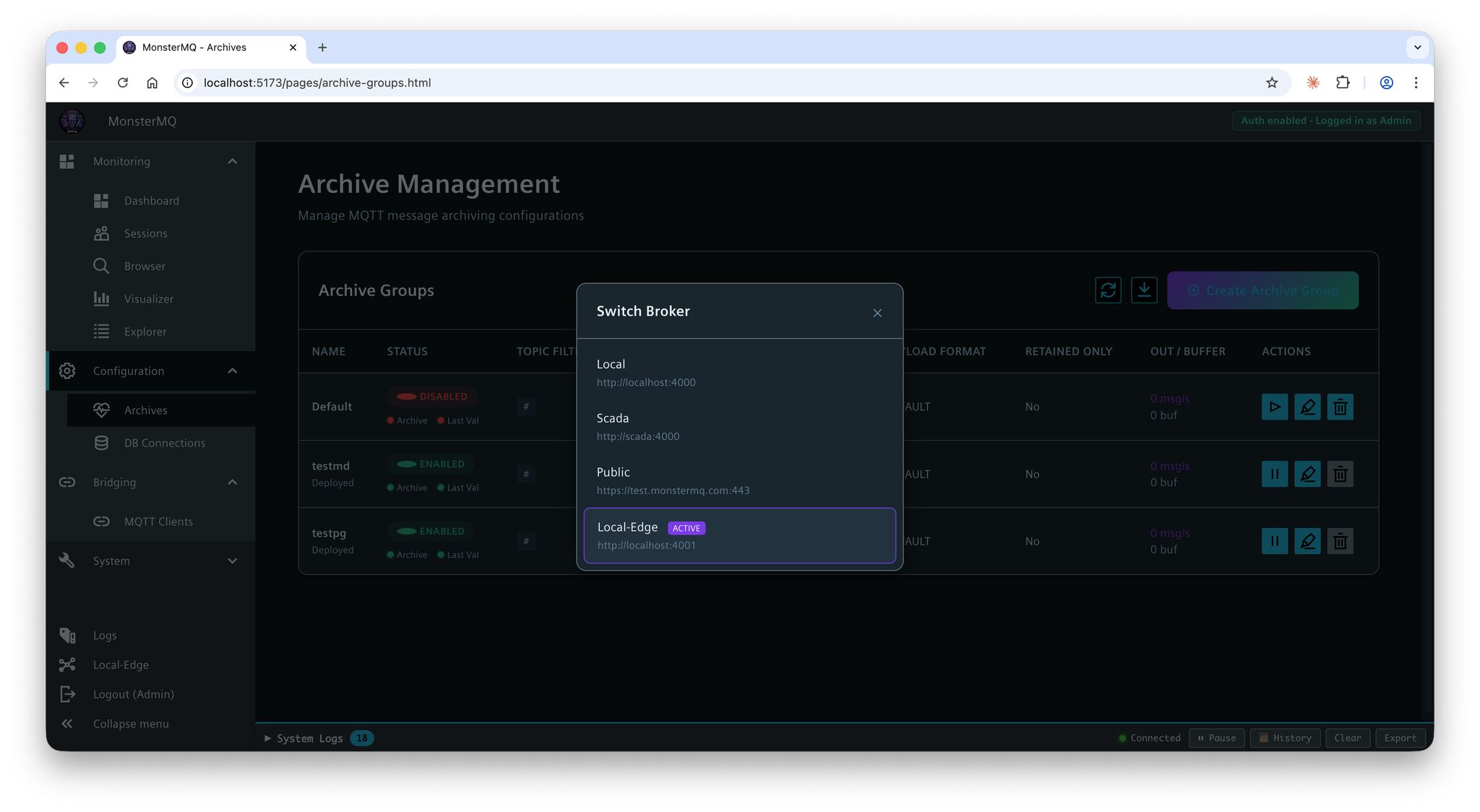
Database connections for archives can now be configured at runtime directly in the dashboard – no restart needed.
👉 This is especially important for MonsterMQ-Edge running on a Unified Comfort Panel – you can now configure archiving online, without touching the panel (MMQ config file).
The result: your data from WinCC Unified Panels can be easily archived centrally to PostgreSQL or MongoDB, configured and managed remotely.
Or forward the data to a central full MonsterMQ instances to collect the data from all your panels.
And here’s the bigger picture: MonsterMQ and MonsterMQ-Edge share the same dashboard, same GraphQL interface. One central place to manage both – from the full broker down to the tiny monster running on your panel. 😅
Let me know if you want it as an Edge App, which can be deployed on the Panel. But remember: you need an Edge License to run Edge on the Panel.
MonsterMQ-Edge still has limited functionality compared to the full broker – but it’s growing.
#MonsterMQ #WinCCUnified #EdgeComputing #MQTT #OpenSource